Template · HR
Team KPI dashboard template for Excel & Google Sheets
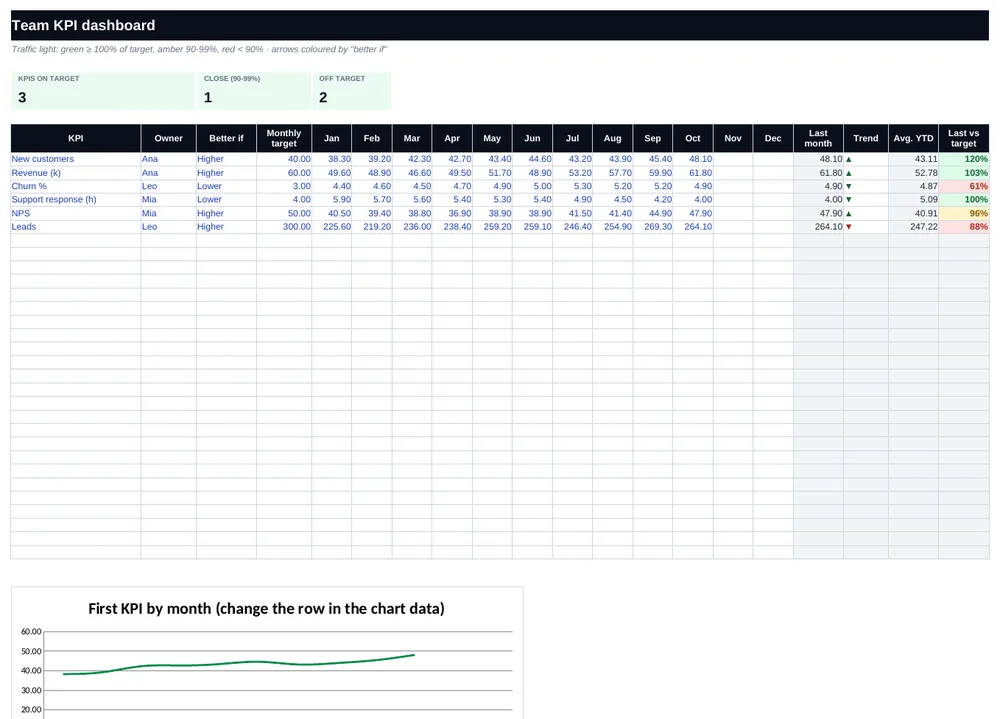
Monthly KPIs vs target with trend arrows, year-to-date and a traffic light per metric.
Get all 30 templates — $19See all 30 templates
One-time payment · 14-day money-back guarantee · Local taxes added at checkout
Why you will like it
- Ready to use: formulas, formatting and example data are already in place.
- Instructions inside: a “Start here” tab explains every tab in one minute.
- Made to adapt: replace the example data with yours and everything updates.
What is inside the file
These are the real tabs of the file you download:
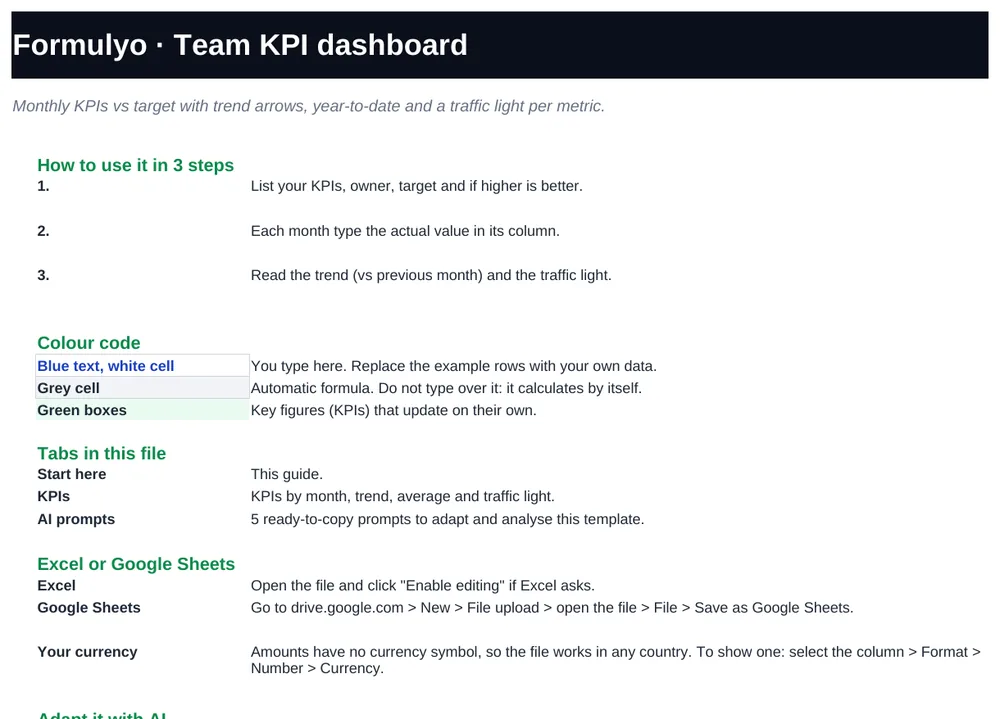
- Start hereHow to use the file in one minute.
- KPIsKPIs by month, trend, average and traffic light.
- AI prompts5 ready-to-copy prompts to adapt and analyse this template.
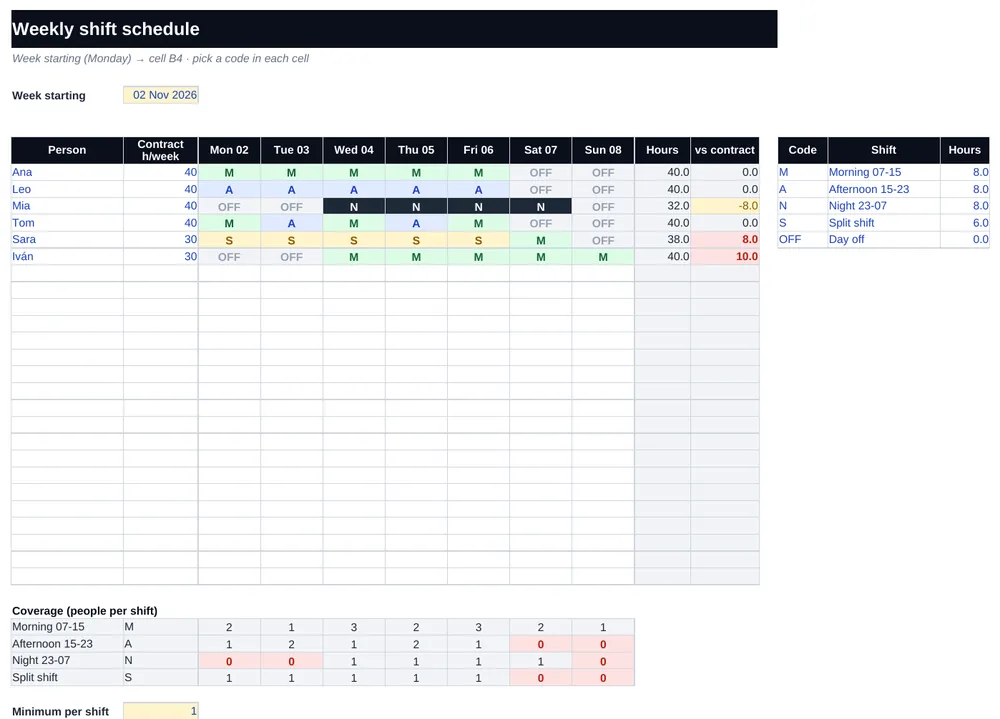
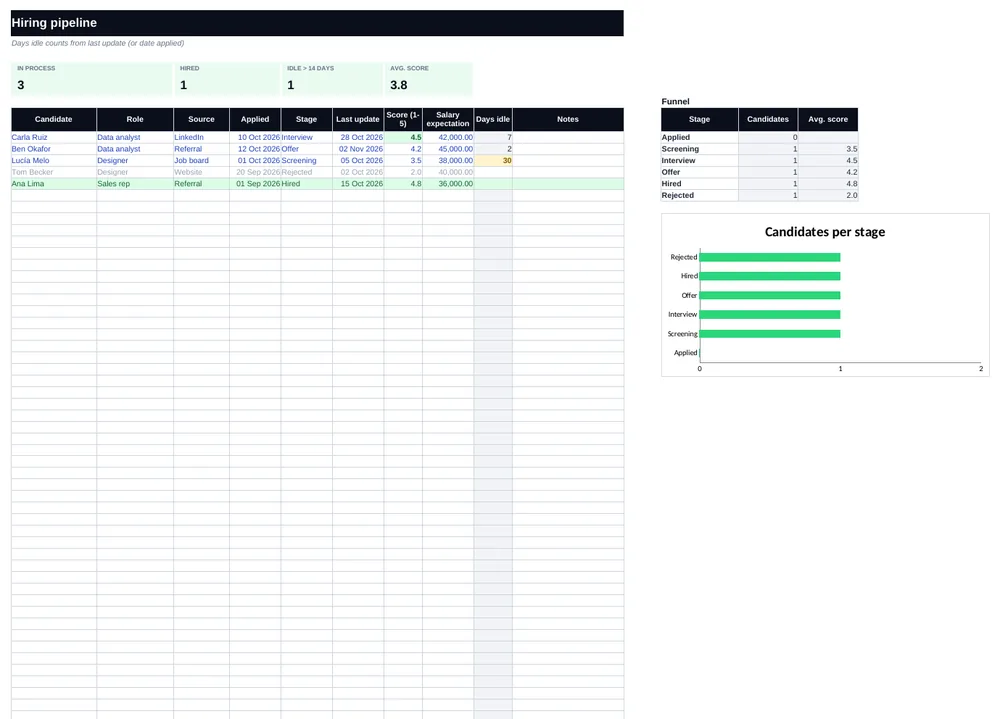
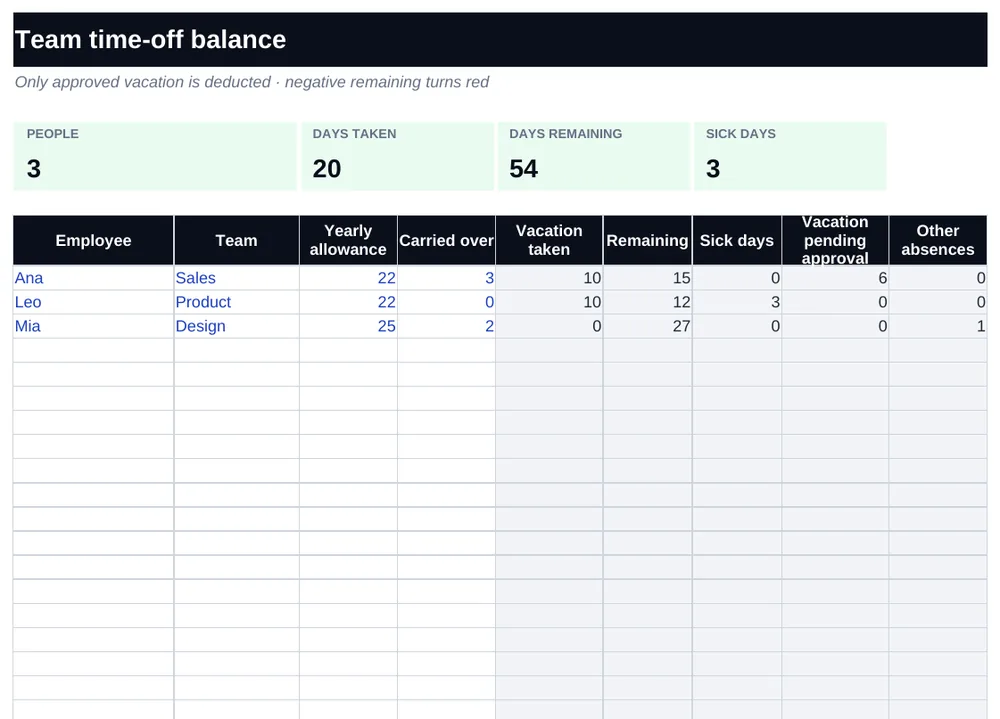
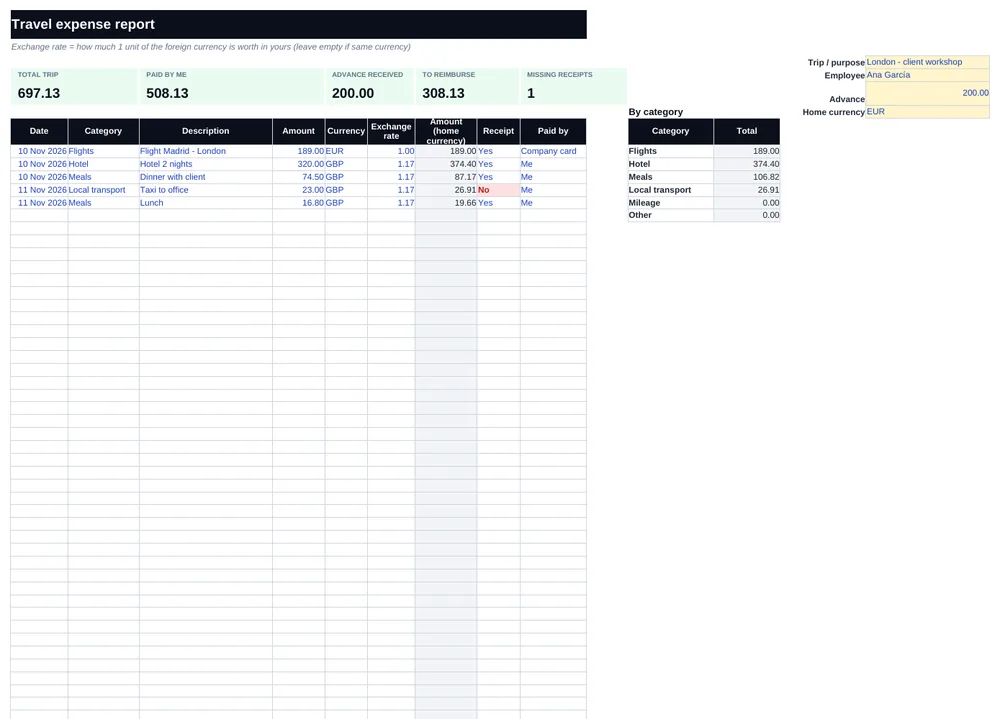
Look inside
How it works in 3 steps
- List your KPIs, owner, target and if higher is better.
- Each month type the actual value in its column.
- Read the trend (vs previous month) and the traffic light.
Works where you work
- Excel 2016 or newer, Microsoft 365 and Excel for the web
- Google Sheets: upload the .xlsx to Drive and open it with Sheets
- No macros, no add-ins, nothing to install
AI prompt included
Paste your data into ChatGPT, Claude or Gemini with this prompt:
These are my team KPIs for the last months (pasted below with targets). Write a monthly review: what improved, what got worse and the likely cause, 3 decisions for next month and 1 KPI I should stop tracking or add.
[paste rows]
Questions
Does the Team KPI dashboard template work in Google Sheets?
Yes. Upload the .xlsx file to Google Drive and open it with Google Sheets, or use File → Import. It uses classic functions, so it works the same.
Can I use my own data?
Yes. Replace the example data with yours and the formulas, charts and summaries update on their own. The “Start here” tab tells you where to type.
Is Team KPI dashboard sold on its own?
It comes in the Formulyo pack: 30 templates for a one-time $19, with the AI prompts and lifetime updates. 14-day money-back guarantee.
In which languages do the files come?
Every template comes in English, Spanish, Portuguese and German.
Do I need macros or add-ins?
No. They are plain .xlsx files with formulas only.